For real estate agencies

Run your agency,
your team and your brand

A branded agency page, a shared team workspace and every listing and lead from your agents in one place.

115active listings
28agencies
16service companies
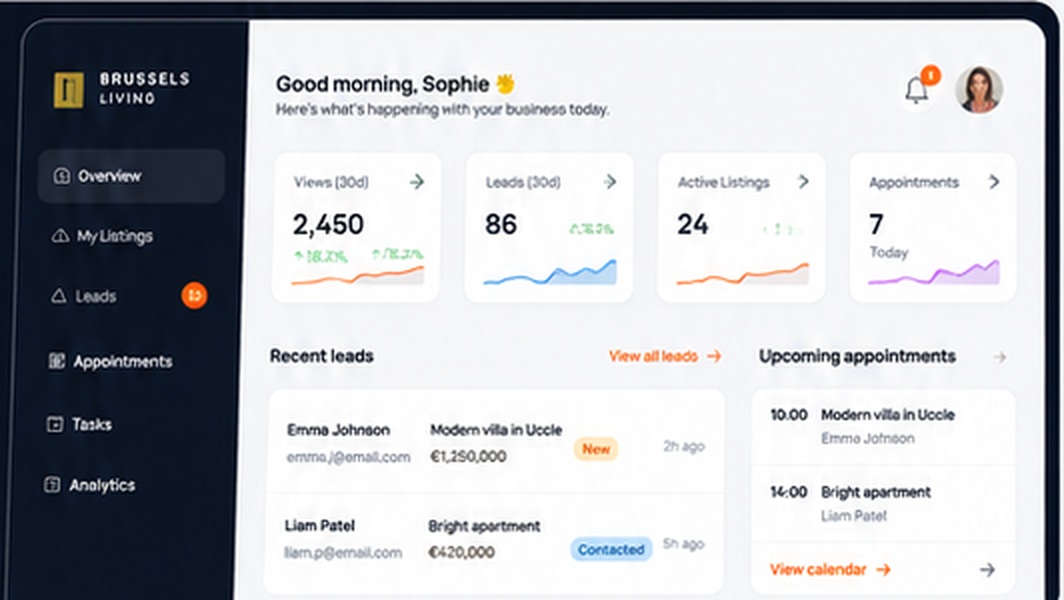
RealyBee real estate agency workspace
What you get

Everything you need, in one place

Agency page

Your brand, office, team and listings in the agencies directory.

Team by invitation

Invite agents by email — they join with one click.

Team reports

Agent performance, leads and listings across the agency.

Invite agents

Send an invite link; new agents create their account from it.

Agency listings

Every agent publishes under your agency brand.

Leads for the whole team

Inquiries reach the right agent — you keep the overview.

Shared CRM

Contacts, tasks and reassignment across your team.

Owner reports

Branded PDF reports your agents send to sellers.

Agency reviews

Verified client reviews on your public agency page.

How it works

Up and running in three steps

Create your accountStart with your personal RealyBee account.
Register the agencyCompany name, VAT, contacts and city.
Get approved & inviteOnce approved, invite your agents from the Team page.
FAQ

Questions, answered

Who should register the agency?

The owner or office manager. That account becomes the agency admin and can invite and remove agents.

Can my agents already have accounts?

Yes. Invite them with the email they use on RealyBee — they accept and are attached to your agency.

Is the agency page public?

Yes, after approval your agency appears in the agencies directory with your agents and listings.

What does it cost?

See our pricing page for current plans. Open pricing

Ready to grow with RealyBee?

Apply in two minutes. We review every business, usually within one business day.

Other business solutions